U-M Google Updates

U-M Google June Monthly Summary

The monthly U-M Google Summaries inform campus of Google releases for Core Apps as well as the Non-Core Apps (those that are not part of the G Suite for Education agreement). We communicate important information on Core Apps throughout the month. Core and Non-Core Apps are listed on the G Suite website.

Core Apps:

Google has made two changes to footers in new Google Sites. These changes include:

  • Removing the current footer at the bottom of all new Sites, which contains the words “Made with new Google Sites…” and the “Create a site” button.

Before:

screenshot of the old Google Sites footer message

After:

gif of the new Google Sites footer interactive message

The “Report abuse” link (which is only shown in certain scenarios) is not being removed and can be found in the newly designed site info icon (lower left-hand corner on a site, like above) moving forward. 

  • Adding the ability for site editors to show the last time a page was updated via a newly designed site info icon.


  • Reminder: Google Classic Sites creation has been turned off for the U-M Google domain. If you have a business case which presents a need which can’t be fulfilled with new Sites, contact the Service Center.


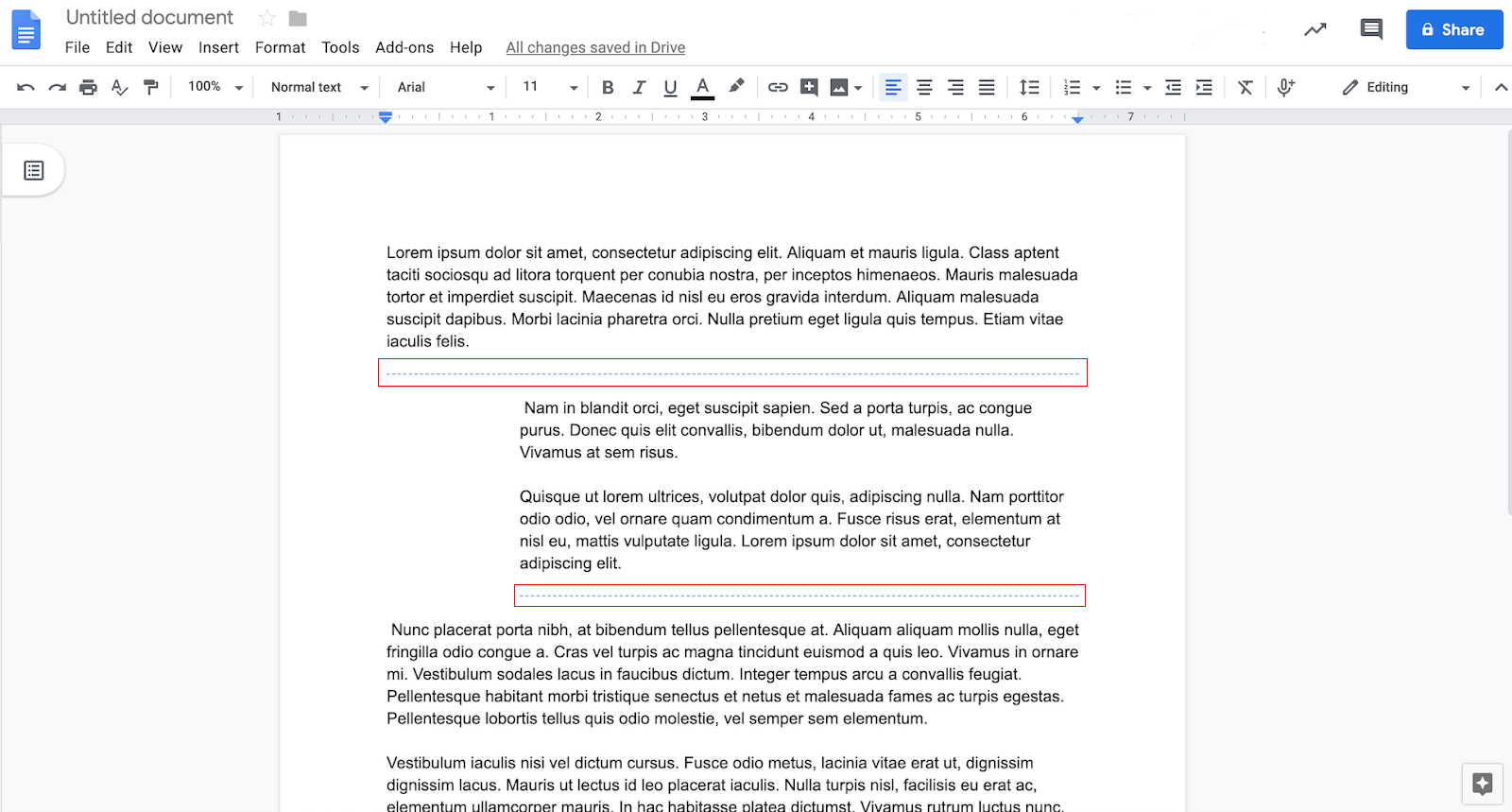
  • Tip: Did you know? With link sharing in Google Drive you can allow everyone in the university to view, comment or edit a document. It’s important to make sure only the right people have access. Learn how to check this setting on your documents and restrict access at the Google Drive Help page.


Previously Communicated:


Note: Keep in mind that even when Non-Core Apps are found in a Core App (like Add-ons in Gmail and Google Drive), they are not covered by the G Suite for Education agreement.

Interested in our latest updates about Google G Suite at U-M? Check out the Google Service Updates page. 


U-M reviewing Gmail confidential mode before release

You may have read in various news articles that Google announced it would turn on Gmail confidential mode for G Suite users on June 25. U-M, like many institutions, has disabled this feature to allow for appropriate review and analysis. ITS staff members in Collaboration Services and Information Assurance are working with the U-M Office of the General Counsel and others to better understand the new feature and its potential use at the university, as well as to determine what guidance and support might be needed for its use.

Google Photos will stop syncing to Drive on July 10, 2019

Google has announced that starting on July 10, 2019, Google Photos will no longer sync to Google Drive. From that date forward, if you add or delete files in Photos, they will not be automatically added or deleted in your Drive.

Currently, U-M Google users can choose to sync Photos to Drive. This means that when you upload a file to Photos, it’s automatically uploaded to the Google Photos folder in Drive.

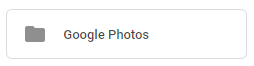
Screenshot of the Google Photos Drive folder

Once these changes begin to go into effect on July 10, this folder will stop receiving updates. Note: The Google Photos folder will not be going away; it will remain but will stop syncing with the Photos service. This means any photos which currently exist within your Google Photos folder will not be deleted and will stay in that folder.

Google heard feedback that the connection between Photos and Drive was confusing and they hope this simplified experience is easier to understand and navigate. Soon there will be a blue banner displayed across the top of your Drive announcing this change to Google Photos and Drive.

Google Photos Drive banner alert

For more information, visit the Google Photos Help page.

A Friendly Reminder: Check Your SPAM Label Periodically

When was the last time you checked your spam label in Gmail? Once in a while, a legitimate email can be marked as spam instead of appearing in the Inbox. We recommend you check your spam label periodically for legitimate emails that may appear there by mistake. If you do find a message that has been accidentally marked as spam, you can select it and click Not Spam in the top toolbar to help ensure that future messages from this sender are not flagged as spam. Additionally, adding colleagues to your Google Contacts can help with mail delivery.


Interested in our latest updates about Google G Suite at U-M? Check out the Google Service Updates page.
Reminder: Google Apps Script UI Service Ending

Google announced that it will discontinue its Apps Script UI Service on July 15, 2019.

Apps Script is a development platform used to create applications that integrate with G Suite. Only the UI service is being discontinued. Apps Script will remain available. We have notified affected U-M users based on a list we received from Google. This is a general announcement to deter any further use of the UI service. 

Google deprecated the Apps Script UI Service in December, 2014. According to Google, any projects using the Apps Script UI Service will cease to function starting July 15. While Google has no direct migration process for existing UI service projects, Google App Maker can be used to create applications in G Suite and can create similar UI applications.