U-M Google Updates

Google Hangouts Chat now available

To better accommodate the need for team-based chat and collaboration, Google Hangouts Chat is now available for use at the University of Michigan. Hangouts Chat is a G Suite for Education core service. It is free and covered under U-M’s agreement with Google and also can be used for certain kinds of sensitive data. It should not be used for protected health information (PHI) or HIPAA-regulated data.

For several years, Google classic Hangouts has been a part of Google at U-M and is integrated into Google Mail. Hangouts Chat is an updated, team-based experience, and will eventually replace classic Hangouts. This will happen sometime in late 2020, until then, the two services will co-exist.

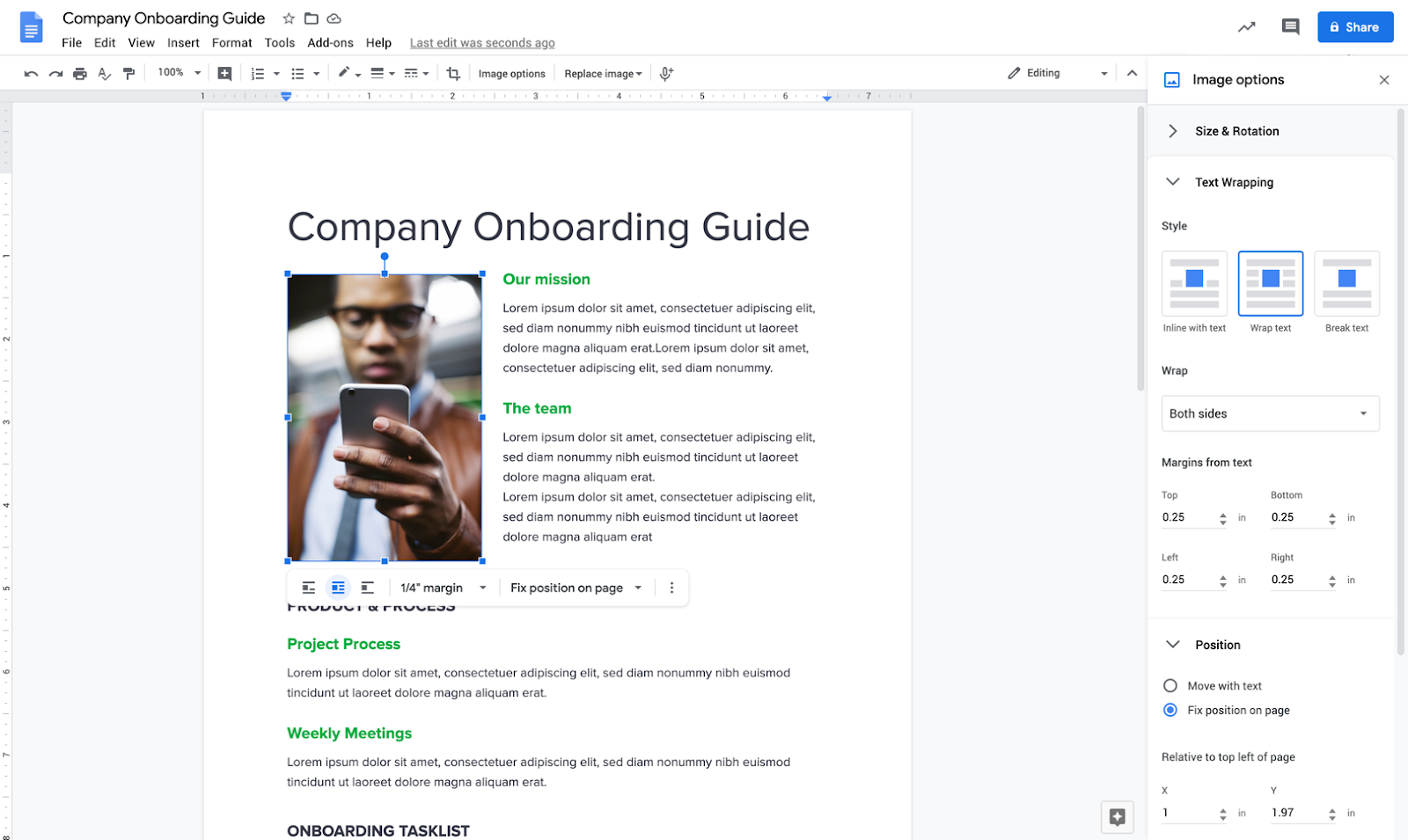
Screenshot of Google Hangouts Chat.

How to Access Google Hangouts Chat

Getting Started

To learn more about Hangouts Chat, visit the U-M’s “Getting Started with Google Hangouts Chat” documentation article or U-M Google support site. You can also visit Google’s Hangouts Chat Help Center or Learning Center for additional information.

Current Limitations

  • Hangouts Chat does not yet integrate directly into U-M Google Mail but is expected to later this year.
  • There are a number of constraints related to interoperability between classic Hangouts and Hangouts Chat:
    • Direct messages: Direct messages can be viewed and replied to across both services.
      • Note:  Currently, messages from people outside of U-M only appear in classic Hangouts, and not in Hangouts Chat.
    • Group messages: Group messages of more than two people do not cross between both services. Wherever you made that group message is where that group message now lives.
      • Google recommends recreating any classic Hangouts group messages in Hangouts Chat.

This service has been activated and should be available now for campus-wide use.

Zoom for GSuite add-on now available in U-M Google

To provide the best experience scheduling Zoom sessions from within Google Calendar, the Zoom for GSuite add-on is now available to install in U-M Google. To learn more about how to install and use this add-on, visit our U-M Google documentation page.

With the Zoom for GSuite add-on, you can use Zoom to easily schedule, join, manage, and customize meetings from Google Mail and Google Calendar.

  • Schedule a Zoom meeting with details from any email, automatically adding the topic, attendees, and attachments based on subject, recipients, and sent documents.
  • Automatically add Zoom meeting details to your Google Calendar invitation. 
  • Customize meeting options like join with video on, join with audio muted, and more.

Note: This add-on is not usable by Michigan Medicine users of U-M Google, as they do not use Google Calendar or Mail.

If you currently use the Zoom Scheduler Google Chrome extension, we recommend that you uninstall the extension from your web browser and use the Zoom for GSuite add-on. The add-on provides the same user experience across all web browsers and the Google Calendar mobile application. For more information on how to uninstall a Chrome extension, visit Google’s Help Center.

Note: Add-ons/apps within the G Suite Marketplace are currently disabled for the University of Michigan domain, with a few exceptions, like Zoom for GSuite. ITS is currently developing a formal process for requesting and evaluating add-ons/apps for U-M Google.

Important Google Hangouts update related to working remotely

Due to the possibility of the university community moving to remote work, the U-M Google team has opted to turn off the need for an invitation in classic Google Hangouts. This will make the service easier to use.

In the past, when an individual whom you’ve never chatted with via Google Hangouts wanted to send you a chat message, you would receive a notification (“Let’s chat on Hangouts!”) inviting you to accept. You would need to accept that invitation for the chat to occur.

With this change, it will be easier to connect with others using classic Google Hangouts to chat. While chat messages will now appear automatically, you will still need to accept video calls. Additionally, you will still have the option to block future messages and video calls from individuals, if desired.

According to Google, you should begin to see this change over the next 24 hours.

For more information on using classic Google Hangouts, visit the U-M Google Hangouts page.


U-M Google February Monthly Summary

The monthly U-M Google Summaries inform the university community of Google releases for Core Apps as well as the Non-Core Apps (those that are not part of the G Suite for Education agreement). We communicate important information on Core Apps throughout the month. Core and Non-Core Apps are listed on the G Suite website.

Core Apps:

This add-on allows you to connect audience members to your Google Slides presentation via their mobile phones. You can learn more about the people in the room, engage with interactive exercises, and invite questions or feedback. To learn more and download the application, visit Create with Google or Google’s FAQ.

You can now use Hangouts Meet, including screen sharing functionality, with Safari version 13 or higher.

Google has consolidated the location of several settings in new Google Sites into one place, making it easier for editors to access and configure different options for their sites. For example, you can now add a favicon to your site by going to Settings > Brand images. Additionally, editors now have the option to hide anchor links from viewers on a published site. To learn more about using anchor links in new Google Sites, visit Google’s Help Center.

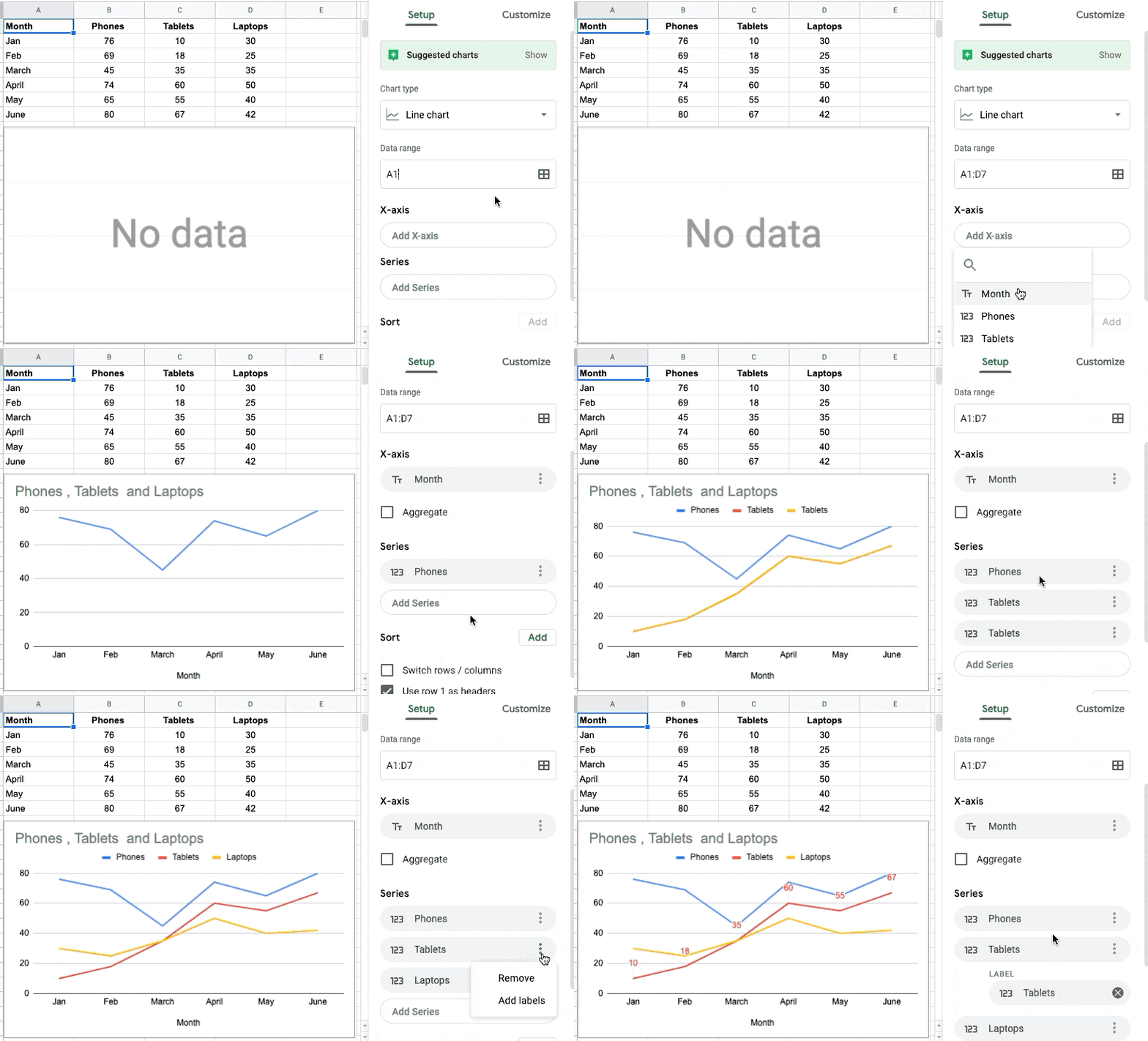
GIF of Google Sites' new settings menu

When composing or replying to an email, you can now upload attachments from the Files app on your iPhone or iPad in the Gmail iOS app. Click the attachment icon and scroll to the “Attachments” section. Then select the folder icon to select an attachment from the Files app.

Previously Communicated:

Updates to Google's Terms of Service

Over the last week, you may have received an email from Google or seen a blue bar with a notice regarding changes to their Terms of Service while browsing Google online. According to Google, these changes will take effect on March 31, 2020, and will not impact the way you use your U-M Google account.

What’s changing?

  • Improved readability: Google has attempted to make its Terms of Service easier to understand by adding links to useful information and providing definitions where applicable.
  • Better communication: Google has explained when they will make changes to their services, such as adding/removing a feature and when they will restrict/terminate a user’s access to their account. Additionally, they plan to do more to notify you when a change negatively impacts your experience with their services.
  • Adding Google Chrome, Google Chrome OS, and Google Drive to the Terms: Google’s updated Terms of Service now cover Google Chrome, Google Chrome OS, and Google Drive, which also have service-specific terms and policies to help you understand what’s unique to those services.
  • No changes to Google’s Privacy Policy: Google will not make any changes to their Privacy Policy or changes to the way they treat your information. As a reminder, you can always visit your U-M Google Account page to review your privacy settings and manage how your data is used.

What do I need to do?

No action is required on your part. 

To learn more about the changes to Google’s Terms of Service, visit Google’s summary of key changes or FAQ.