U-M Google Updates

Hangouts Chat Update

In 2017, Google announced Hangouts Chat and Hangouts Meet for team communication. Later this year, Google will transition classic Hangouts to Chat and Meet on the UMICH domain. As a first step, some changes are coming on April 16, 2019.

Key dates to note:

  • Starting April 16, 2019 – Chat will become available to U-M Google accounts on the web and via mobile apps. You can continue using classic Hangouts in Gmail, mobile, web, and the Chrome extension. See Chat and classic Hangout interoperability.
  • Between April and September 2019 – Features from classic Hangouts will come to Chat, such as:
    • Integration with Gmail
    • Chatting with external users
    • An improved video calling experience
    • Making calls with Google Voice
  • October 2019 – Google will start retiring classic Hangouts. To prepare for the transition from classic Hangouts to Chat, review Google’s documentation.

We will keep you updated as new features are brought to Chat.
 

Classic Google Contacts Ending

In December, we communicated about New Google Contacts. Beginning today, Google will implement the third and final stage in the transition from classic Contacts to new Contacts. The classic version of Google Contacts will gradually be turned off and, eventually, everyone in the UMICH domain will be on the new Google Contacts. To get more familiar with new Google Contacts, visit the G Suite Learning Center.

U-M Google January Summary

The monthly U-M Google Summaries inform campus of Google releases for Core Apps as well as the Non-Core Apps (those that are not part of the G Suite for Education agreement). We communicate important information on Core Apps throughout the month. Core and Non-Core Apps are listed on the G Suite website.

Core Apps

  • Assign unique colors to chart elements in Google Sheets
    Google added the ability in Sheets to give a design element (such as a bar on a bar graph or a point or line on a line graph) a unique color, instead of all similar elements being the same color. This works for bar charts, column charts, line charts, scatter charts and for certain series in combination charts.
  • Embed Google Drawings in Google Docs
    Starting January 7, Google began rolling out the ability to embed Google Drawings in a Google Doc instead of having to create drawings manually in the document. When you embed a drawing, the drawing is placed in the document but linked to the original in Google Drawings. By using the “Update” button located in the upper right-hand corner of the embedded drawing, you can update the content with one click if changes are made to the source file. You can also choose to unlink drawings at any point.
  • Embed Google+ search streams in new Google Sites
    You can now embed a stream of posts from a Google+ search in the new Google Sites. This search could contain simple keywords or advanced search operators. This builds on Google’s previous launch of the ability to embed community pages, profiles, and other Google+ streams in new Sites.
  • Get your whole team jamming with Jamboard web improvements
    Google has added several new features to Jamboard which will make it easier to create and collaborate on jams on the web. They are enhancing Google Chrome’s web-based Jamboard experience with several useful features including:
    • Support for familiar keyboard shortcuts: Use Ctrl/CMD+c to copy, CTRL+V to paste, and CTRL+D to duplicate Jam objects when editing on the web.
    • Create, delete, and duplicate frames on the web: Easily manage frames (the equivalent of pages in jams) on the web.
    • Easier switch between creation modes: Quickly switch between the drawing and selection modes. Hold down Ctrl/CMD to switch to the select mode, and release to switch back to drawing mode.
    • Better image management: Add images to jams by drag and drop, copy and paste, or through a simple image upload dialog.
  • More language options available for the 2019 Calendar Template in Sheets
    Google has expanded language options for creating a 2019 Calendar Template in Sheets. A few of the languages include Chinese, Danish, Dutch, and more.
  • New Gmail compose formatting and download options
    Google is adding three new features to Gmail:
    • Shortcut to undo/redo in the compose window
    • Shortcut to strikethrough text
    • Ability to download messages as .EML files in rfc822 format from Gmail on the web

Previously Communicated

Note: Keep in mind that even when Non-Core Apps are found in a Core App (like Add-ons in Gmail and Google Drive), they are not covered by the G Suite for Education agreement.

Interested in our latest updates about Google G Suite at U-M? Check out the Google Service Updates page.

Material Design for Google Docs, Sheets, Slides, and Sites on Web

Google Docs, Sheets, Slides, and Sites will be getting a new look and feel on the web. According to Google, while there are no functionality changes, you will begin to notice some visual improvements starting February 11. Some of these changes include:

  • Interface typography that uses Google’s custom, legible typefaces
  • Controls (like buttons, dialogs, and sidebars) that are updated and more consistent with other Google products
  • Iconography that is legible and easy-to-read

The four products in this update join other G Suite products like Gmail and Calendar in sharing a common design and look.

Interested in our latest updates about Google G Suite at U-M? Check out the Google Service Updates page.
Inbox by Gmail Ending

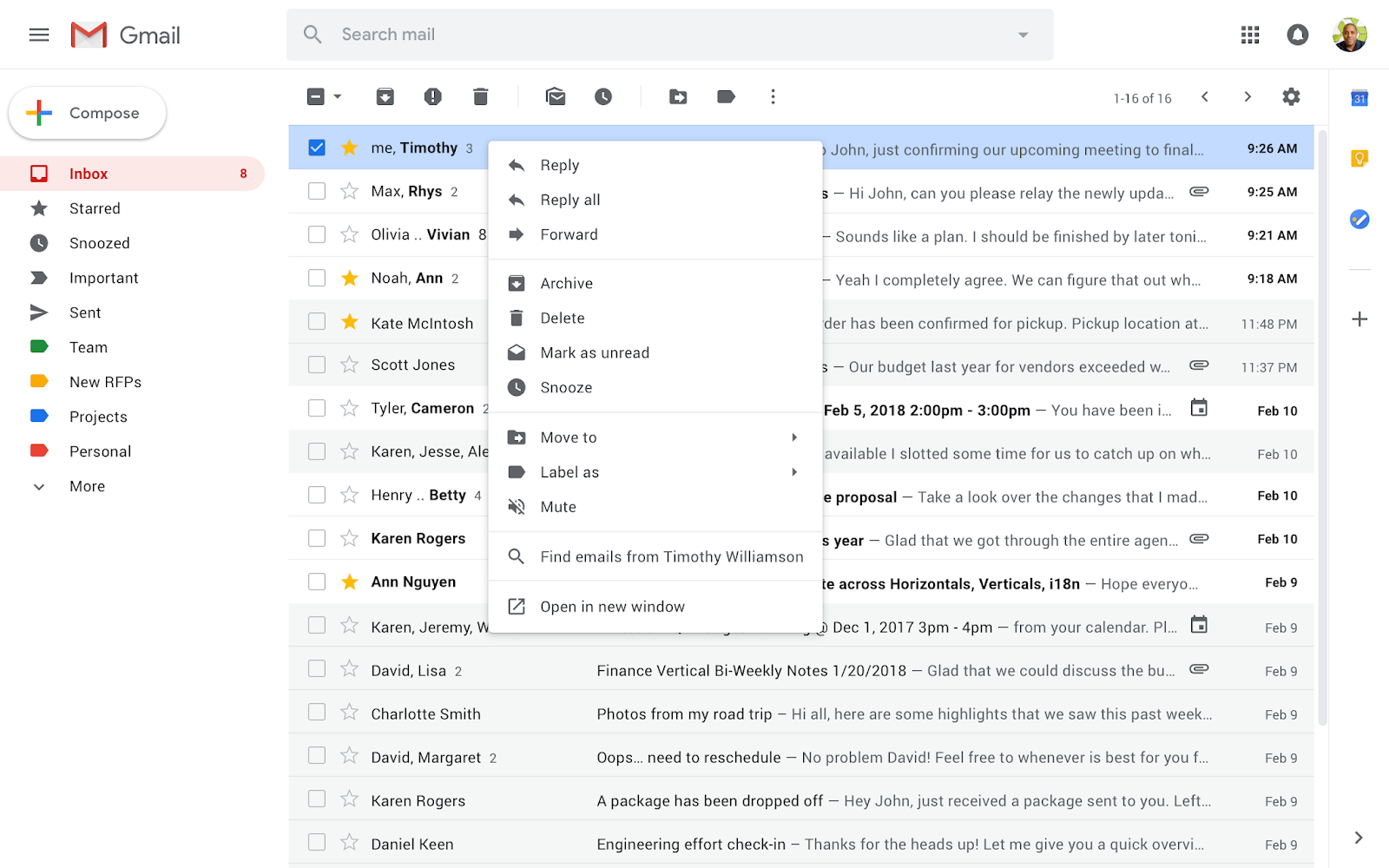
Inbox by Gmail (a separate email interface) has been a place that Google used to experiment with new ideas like snoozing emails to later, as well as try the latest AI-powered experiences like Smart Reply, Nudges and high-priority notifications.

Four years after launching Inbox by Gmail in 2014, Google has taken several popular Inbox experiences and added them into Gmail. Google is  now planning to focus solely on Gmail and will discontinue Inbox by Gmail at the end of March 2019.

Google introduced the new Gmail in April, incorporating many of the same features found in Inbox plus newer features like Smart Compose. Read more about these features.

Many on campus fell in love with Inbox by Gmail, so to make this a bit easier, Google created a transition guide to help switch from Inbox by Gmail to the new Gmail. All your conversations are already in Gmail.